Follow-ups and reminders
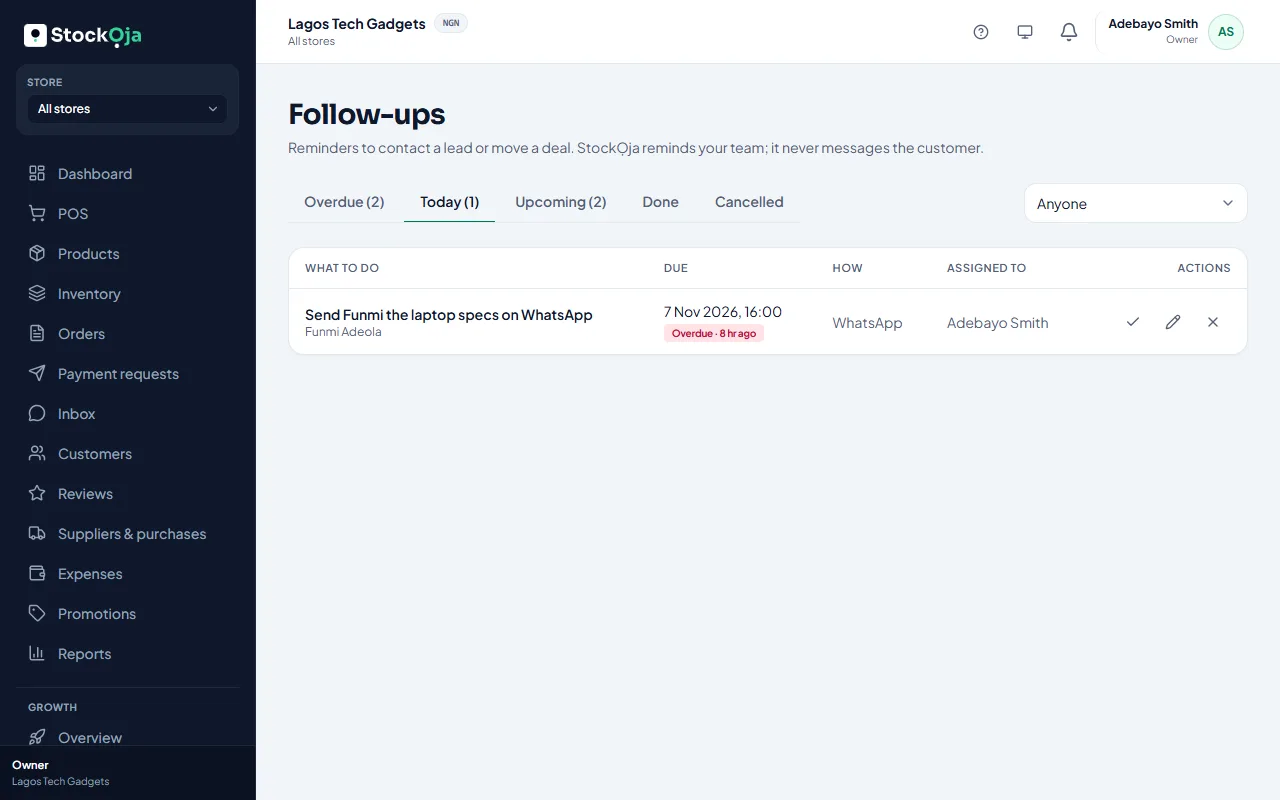
Schedule reminders to contact a lead or move a deal. StockỌja reminds your team, never the customer.
Schedule a follow-up
Open a lead or a deal and select Schedule follow-up.
Write What to do, choose When and How: Call, WhatsApp, SMS, Email, Chat, Visit or Other.
Choose who does it. By default, whoever handles the lead.
Save.
The person gets a reminder when it’s due. Nothing is sent to the customer.
Your follow-ups
Growth → Follow-ups has tabs for Overdue, Today, Upcoming, Done and Cancelled.
Mark done and write What happened?. The first follow-up done on a new lead marks it Contacted.
Edit to reschedule, or Cancel follow-up.
Related articles
- Work a lead from new to customer Update the status, add notes, merge duplicates, then make them a customer or mark them lost.
- Choose your notifications Pick in-app, email or push for each kind of notification.
- What Growth does for your business Leads, a sales pipeline, follow-ups, campaigns and automatic messages, with paid amounts taken from real orders.
- Add and import leads Add a lead by hand, or import contacts from a CSV file. Duplicates are caught for you.