Product reviews
Customers review what they bought after pickup or delivery. Hide reviews that break your rules.
How customers leave reviews
A day after an order is picked up or delivered, the customer is asked to review what they bought, by email and, for chat orders, in the chat. They give 1 to 5 stars and can write a comment.
Reviews go live at once on your online store, with the product’s average rating.
Manage reviews
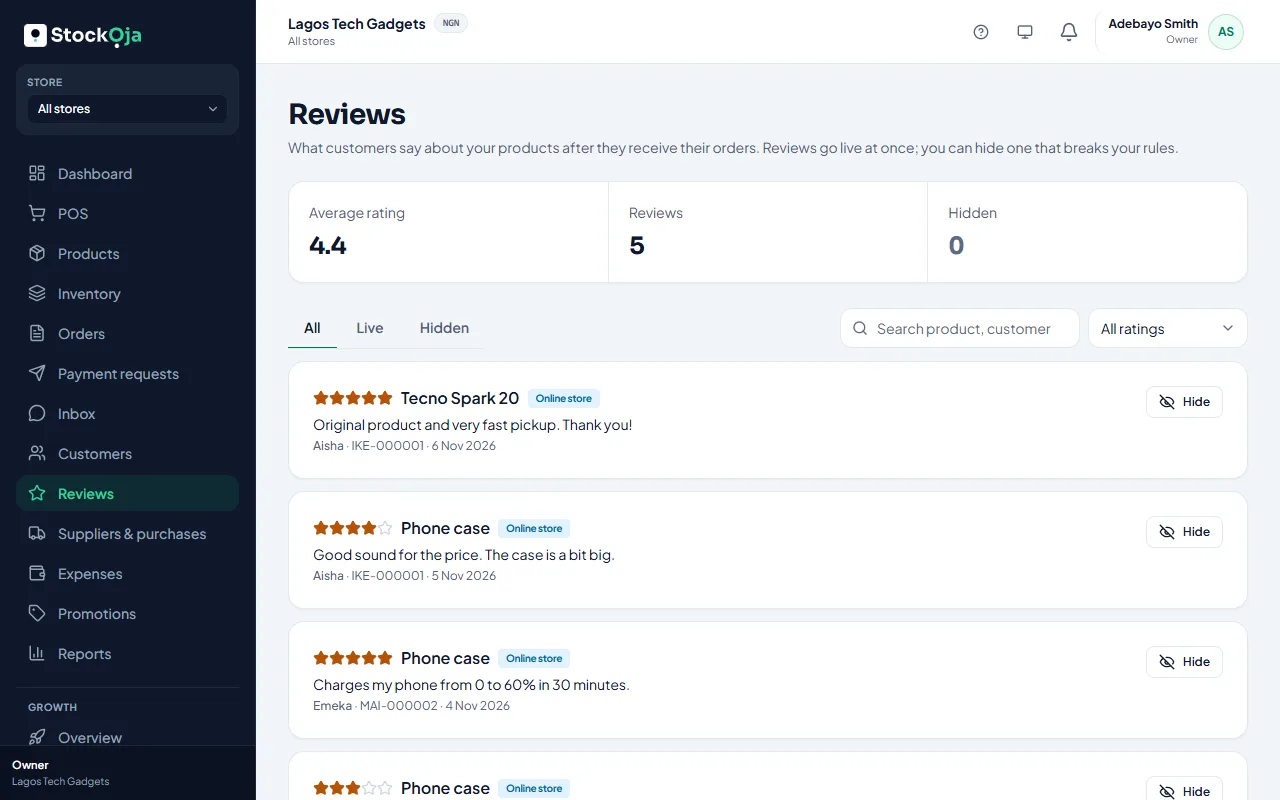
Go to Reviews. You see the Average rating, the number of reviews and how many are hidden. Filter by Live or Hidden and by rating, or search by product, customer or order.
Hide a review
Select Hide on a review that breaks your rules, for example one with a phone number or not about the product. Give a reason (only your team sees it). Shoppers no longer see it. Select Show again to bring it back.
Related articles
- How customers order, track orders and use accounts What shoppers see: checkout, the pickup code, order tracking and optional accounts.
- Add and manage customers Keep your customers’ contact details and notes in one list, shared by all stores.
- See what a customer has bought Orders, total spent and last purchase, in store and online.