Light and dark mode
Choose Light, Dark or Match my device.
Go to Settings → Appearance and choose:
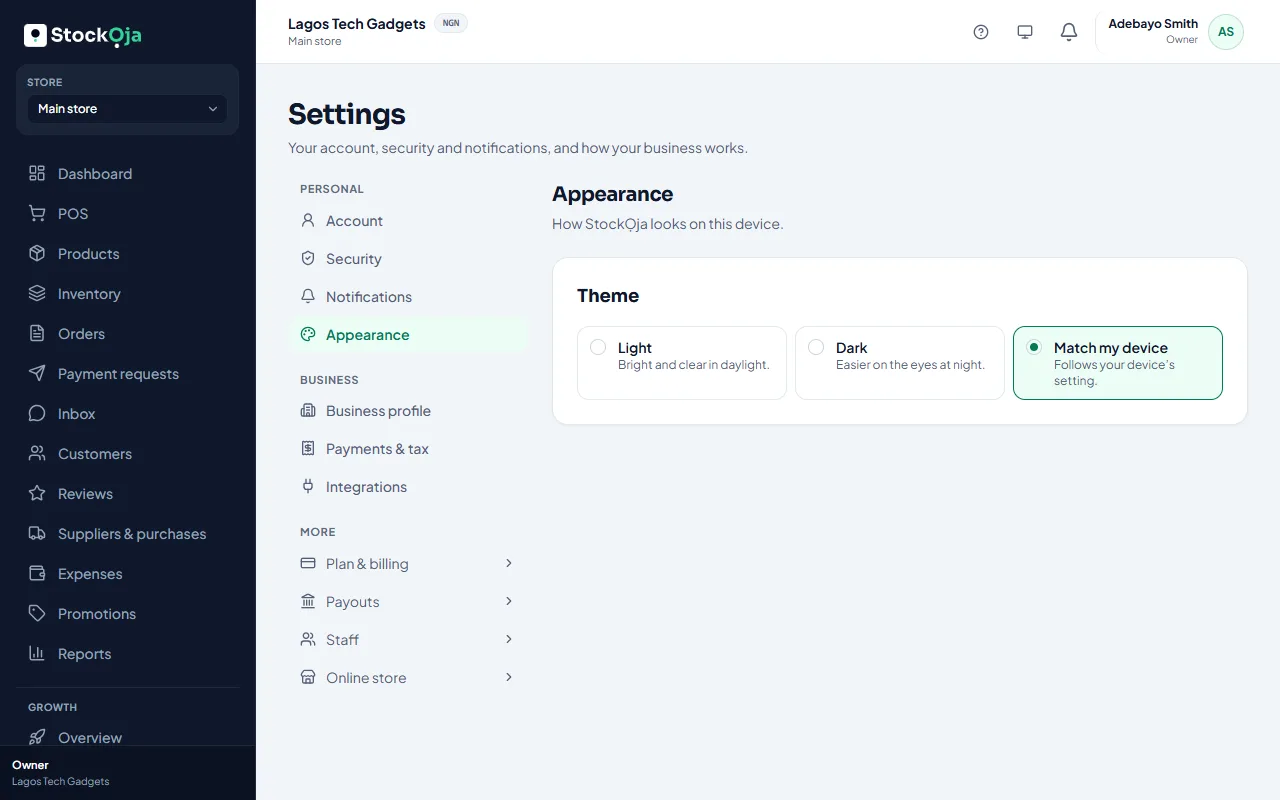
Light: bright and clear in daylight.
Dark: easier on the eyes at night.
Match my device: follows your phone’s or computer’s setting.
You can also change it from your account menu, under Theme. The choice is saved on each device.
Related articles
- Find your way around the app The menu, the store switcher, notifications, Help and your account menu.
- Choose and customise a theme Pick a design, then set your colours, banner, home page, contact details and policies.
- Accept an invitation to join a business Open the invitation email, choose a password (or use your existing one) and you’re in.
- Change your name, phone or password Update your profile and password in Settings → Account and Settings → Security.