What StockỌja tells you about
Every kind of notification, and when it’s sent.
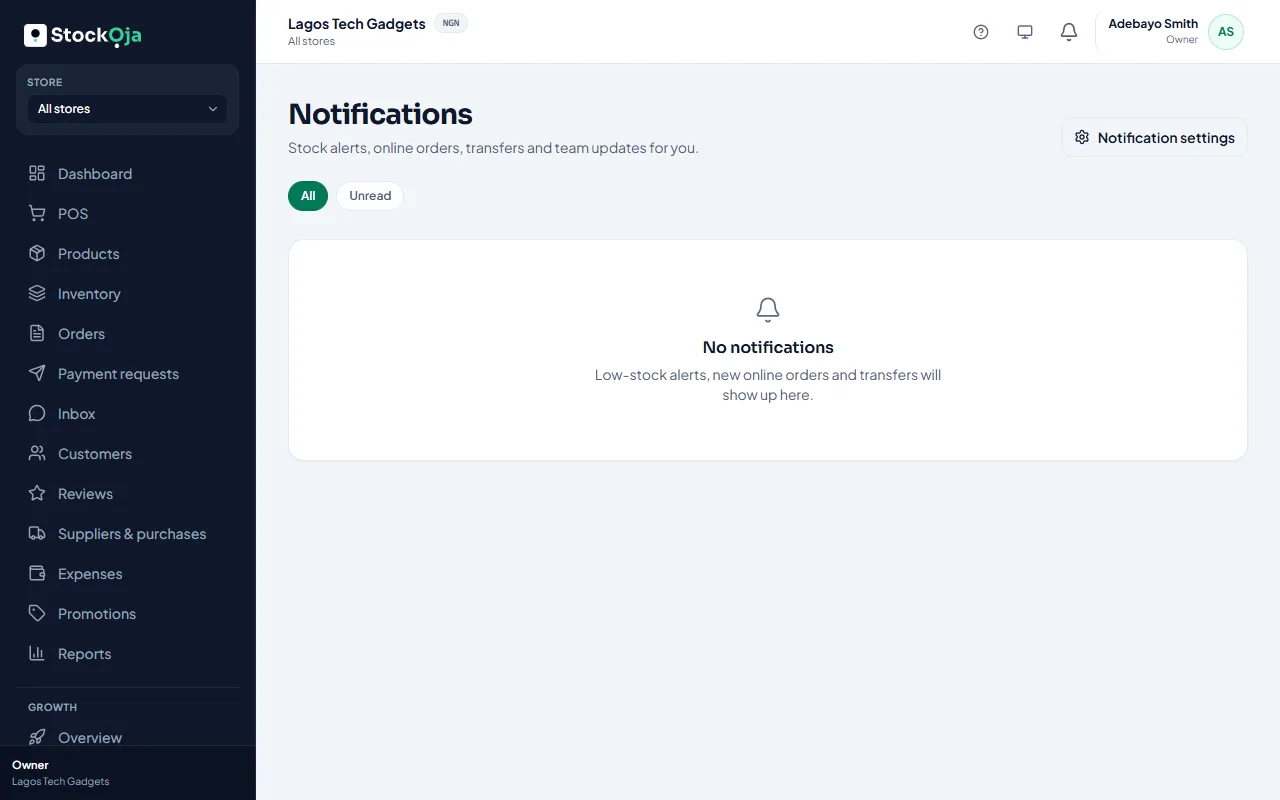
Select the bell at the top to see recent notifications, or See all notifications. Select Mark all as read to clear them.
Stock
Low stock: a product drops to its alert level in your store.
Incoming stock: another store sends stock to yours.
Transfer outcome: a store receives or rejects stock you sent.
Expiring and expired stock: 30, 14, 7, 3 and 1 day before stock expires, and when it does.
Orders and payments
New online order: pay-on-collection orders on your online store.
Paid online order: a shopper paid online and the order is ready to prepare.
Failed online payment and Failed refund.
Remote payments: a customer paid a payment request you sent.
Payouts: money from online sales is sent to your bank, or a payout fails.
Chats and Growth
Customer messages: a customer asks to talk to a person.
Customer complaints and requests, taken by the AI assistant.
New and assigned leads and Follow-ups due.
Campaigns and workflows: one waits for your approval, or one you submitted is sent, fails or is sent back.
Your account
Team: someone accepts an invitation.
Plan and billing: payments, renewals and plan changes.
Support replies: StockỌja replies to your help request.
You only get notifications for the areas you have access to.
Related articles
- Choose your notifications Pick in-app, email or push for each kind of notification.
- Turn on push notifications Get alerts on your phone or computer even when StockỌja isn’t open.