Confirm your email address
Open the link we email you so your account stays secure. You can resend it.
After you sign up with an email and password, we send a confirmation link. Until you open it, a banner in the app reminds you.
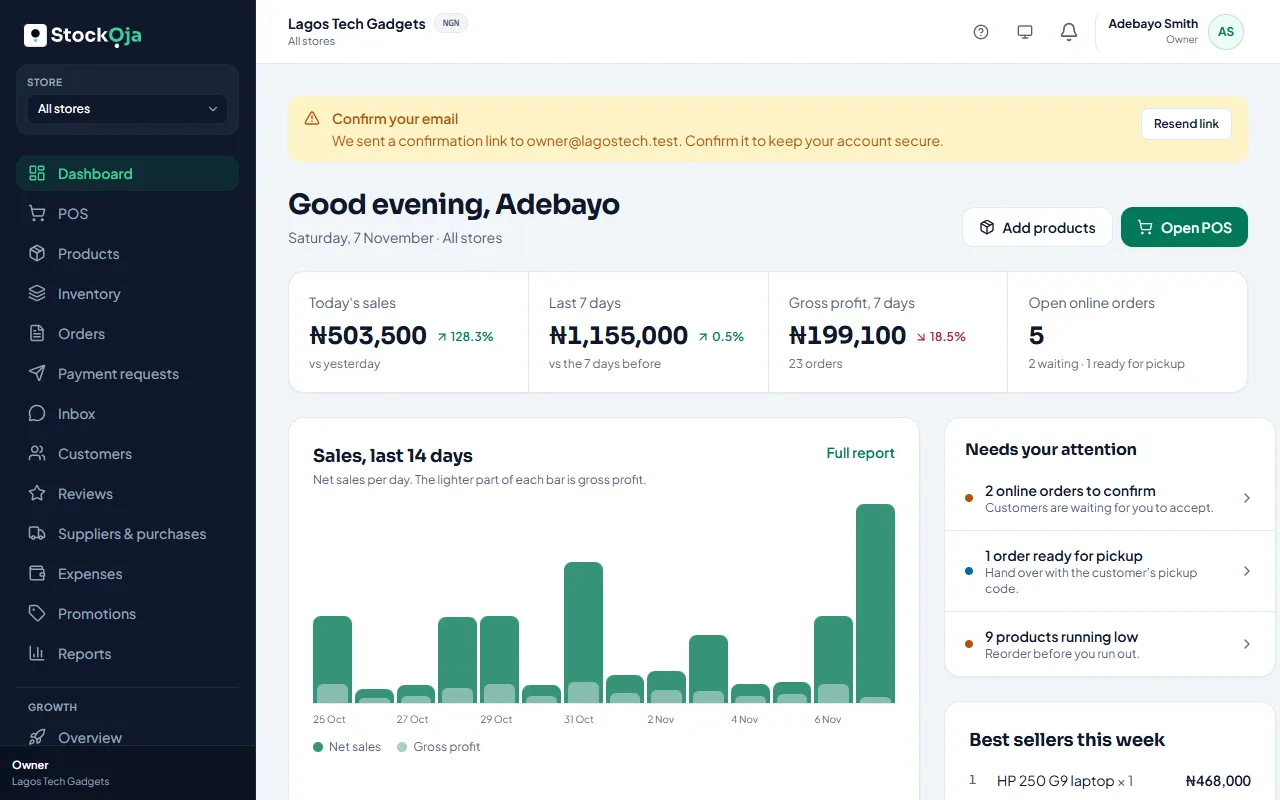
Resend the link
Select Resend link on the banner, or
go to Settings → Account and select Resend verification email.
Open the newest email and follow the link. You’ll see Your email is confirmed.
Related articles
- I didn’t get the email Verification, password reset and invitation emails that don’t arrive.
- Create your account (email or Google) Sign up with your email and a password, or with your Google account. It’s free to start.
- Accept an invitation to join a business Open the invitation email, choose a password (or use your existing one) and you’re in.
- Change your name, phone or password Update your profile and password in Settings → Account and Settings → Security.