Commission and payouts
How commission is earned, approved and paid into your bank account each month.
Commission
You earn a share of each verified plan payment by the businesses you referred. The rate depends on how many months the business has paid for, as explained in the portal’s Learning centre.
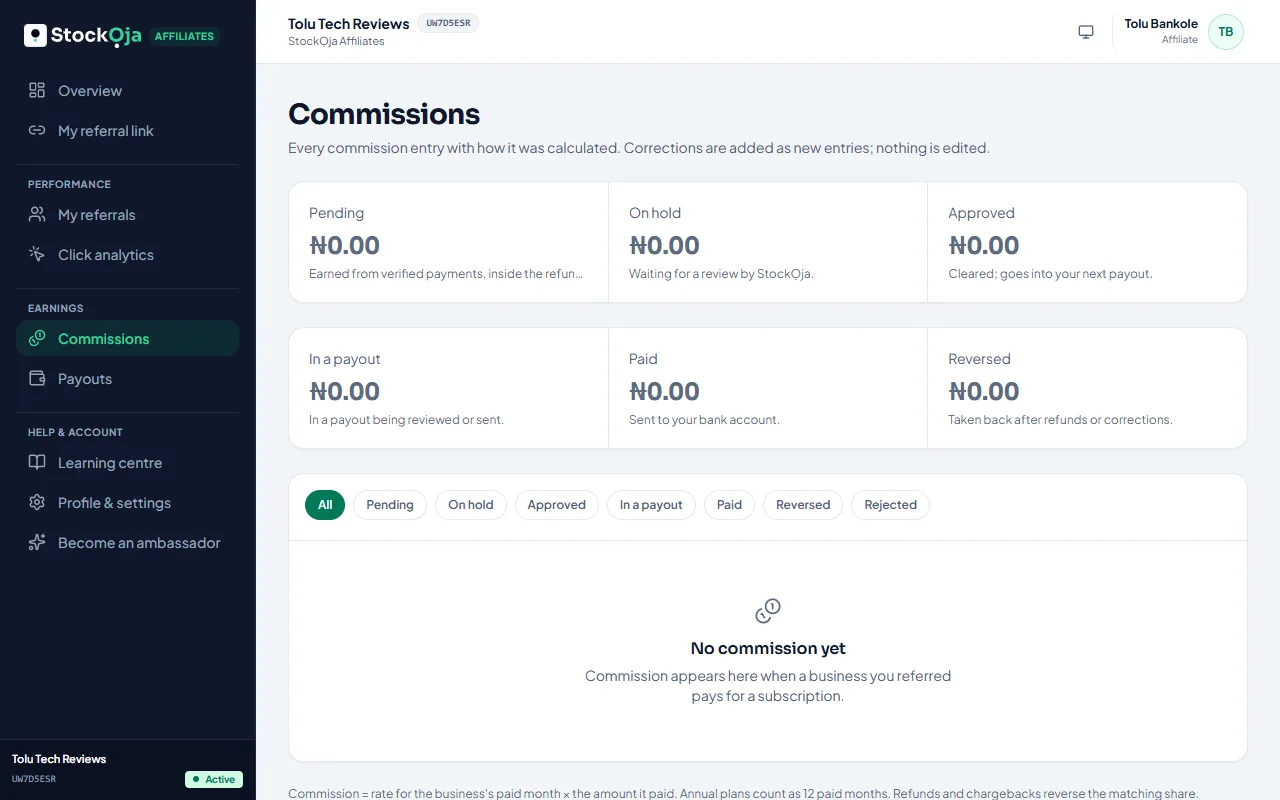
Commissions lists every payment with its status: pending, approved, in a payout, paid. Commission waits for the refund period before it’s approved. If a payment is refunded, its commission is reversed.
Payouts
Approved commission is paid to your bank account every month, once it reaches the minimum shown in the portal. Smaller balances carry over to the next month.
Payouts shows each payout: Waiting for review, Approved, Sending, Paid, Failed or Rejected.
Your bank account
In Payouts or Profile & settings, select Add bank account. The bank confirms the account name. Keep it up to date so payouts don’t fail.
Related articles
- Become a StockỌja affiliate Share your referral link and earn commission on the plans the businesses you refer pay for.
- How referrals are tracked Your link, your code, the attribution window and campaign links.
- Get paid into your bank account Add the bank account Paystack pays your online sales into.
- When your money arrives Paystack pays your share straight into your bank, usually the next working day.